Smart Tint Window Film Not Working? A Comprehensive Guide to Troubleshooting Issues
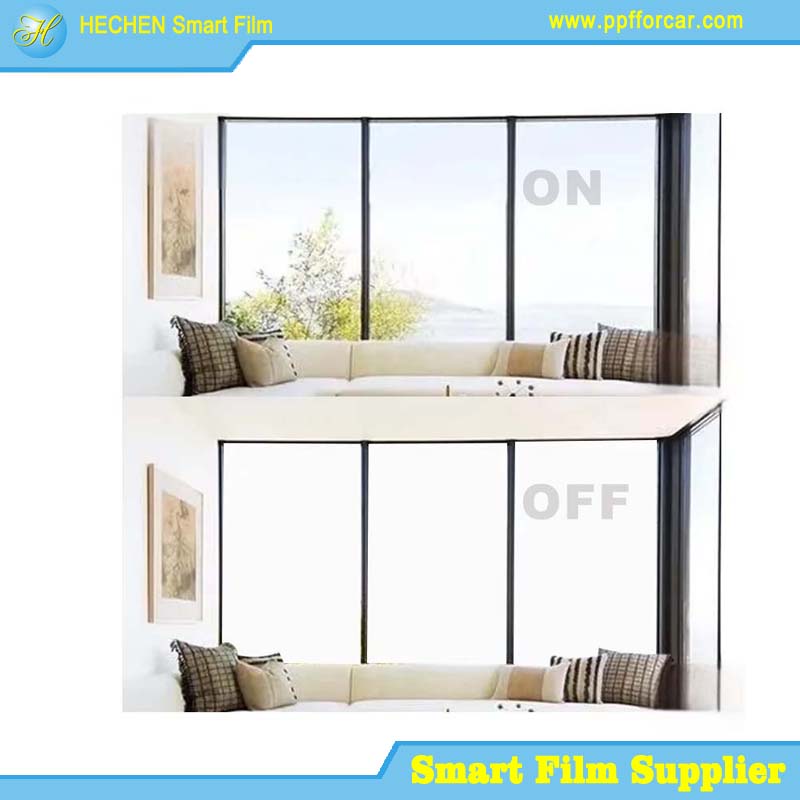
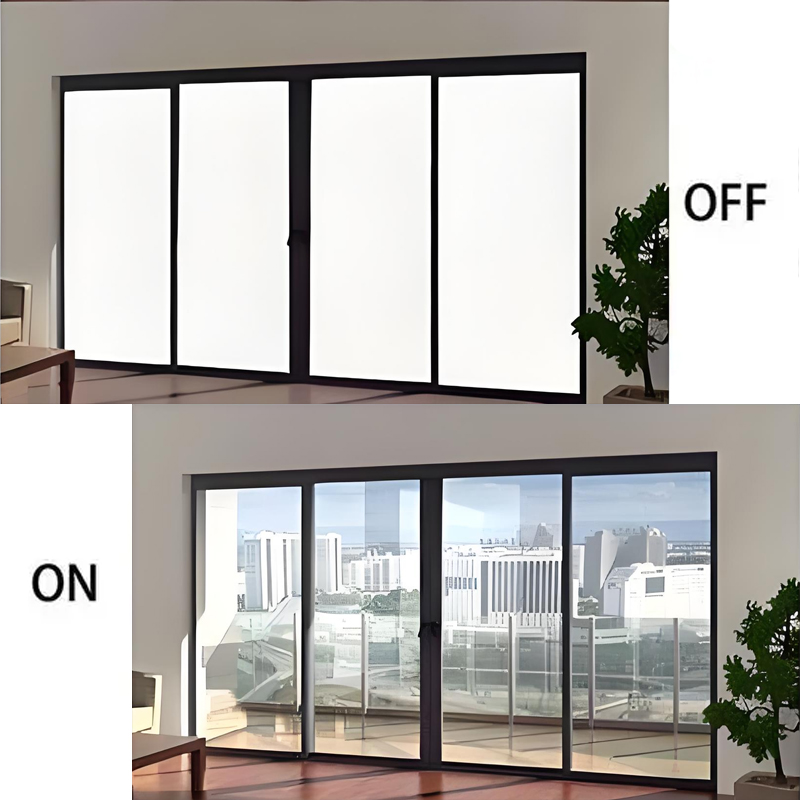
Imagine the seamless, futuristic appeal of a room that transforms at the flick of a switch—privacy on demand, sunlight controlled electronically, and a sleek, modern aesthetic. This is the promise of smart tint window film, also known as switchable film, PDLC (Polymer Dispersed Liquid Crystal) film, or electric privacy glass. However, that promise quickly turns to frustration when the film stops working, leaving you with a frosted, opaque, or sometimes clear pane that refuses to obey commands. In the vast majority of cases, the culprit lies not in the advanced film itself, but in the more mundane world of power and connections.
This guide is your systematic troubleshooter, designed to help you diagnose and resolve the electrical and connectivity issues that prevent your smart film from performing its magic. Before you call a professional or consider a costly replacement, follow these steps to identify the problem.
Understanding How Smart Film Works: The Foundation for Troubleshooting
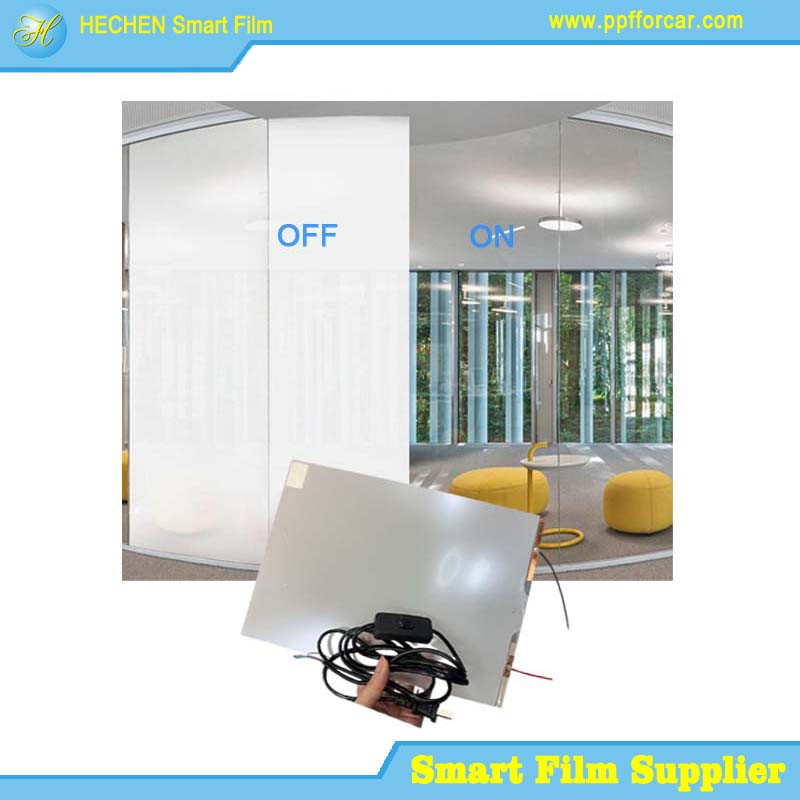
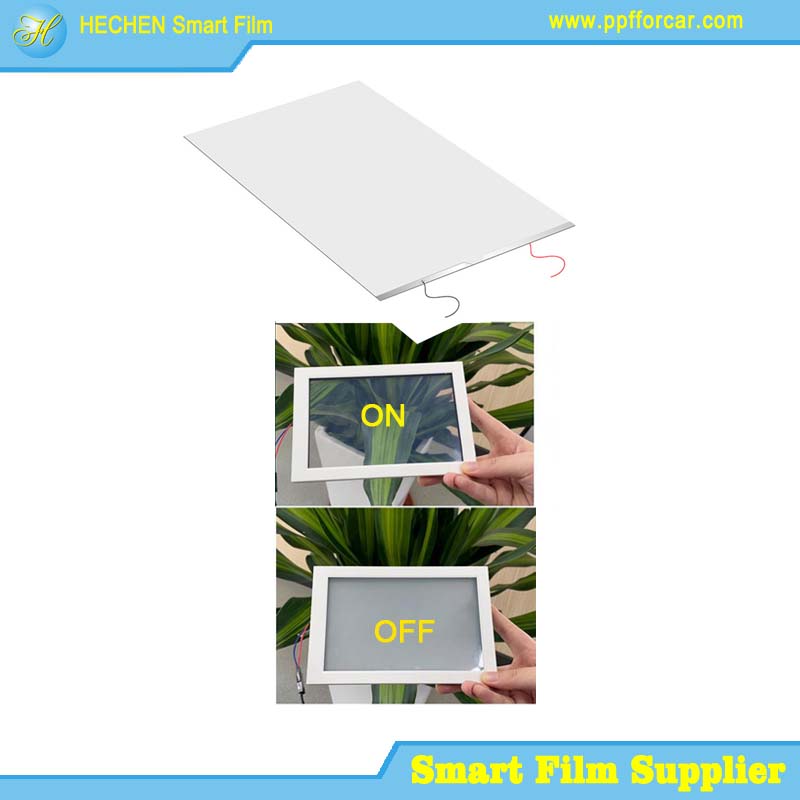
To effectively troubleshoot, a basic understanding of the system is crucial. Smart tint window film is a sandwich of conductive layers and liquid crystal droplets. In its default, unpowered state, the crystals are randomly scattered, scattering light and creating the "frosted" or opaque effect. When an Alternating Current (AC) voltage—typically 36V, 48V, 65V, or 110V, depending on the film—is applied across the conductive layers, the crystals align, allowing light to pass through and making the film clear.
Therefore, any break in the chain that delivers this correct, stable AC power will cause the film to fail. The chain is simple:
Power Source (Mains) -> Transformer/Power Supply -> Wiring/Connections -> The Smart Film Itself.
Section 1: Initial Checks & Simple Fixes
Start with the easiest possibilities. It sounds trivial, but these steps resolve a surprising number of issues.
1. The "Remote Control" Problem: Is it on?
Remote Controls & Apps: Check the battery in your RF (Radio Frequency) remote. Try moving closer to the film/receiver. For Wi-Fi or Bluetooth apps, ensure your phone is connected to the correct network and the app has proper permissions. Try closing and reopening the app.
Wall Switches: Ensure the physical switch controlling the film's power supply is in the "ON" position. It might have been accidentally switched off.
2. The Power Supply/Transformer: The Heart of the System
This black box (sometimes a plug-in adapter, sometimes a hardwired unit) is the most common point of failure.
Indicator Light: Most quality power supplies have an LED indicator. No light usually means no input power (check the outlet/circuit breaker) or a dead transformer. A solid light typically means it's receiving power and outputting correctly. A blinking light often signals a fault, such as a short circuit or overload.
Physical Inspection: Feel the power supply. Is it unusually hot? Excessive heat can trigger thermal shutdown. Unplug it, let it cool for 30 minutes, and try again. Smell it (carefully). A burning electronics odor is a sure sign of failure.
Outlet Test: Plug a lamp or phone charger into the same outlet to confirm it's live. Try a different outlet if possible.
Section 2: Systematic Troubleshooting: A Step-by-Step Diagnostic
If the simple checks fail, it's time to become a detective. SAFETY FIRST: Always disconnect power from the entire system before inspecting or touching any wires or connections.
Step 1: Isolate the Problem Area
Do you have multiple windows on the same power supply? If only one window is malfunctioning, the issue is likely with that specific window's connections or busbars. If all windows on one power supply are dead, the problem is with the power supply or the main feed.
Step 2: Inspect Visible Wiring and Busbars
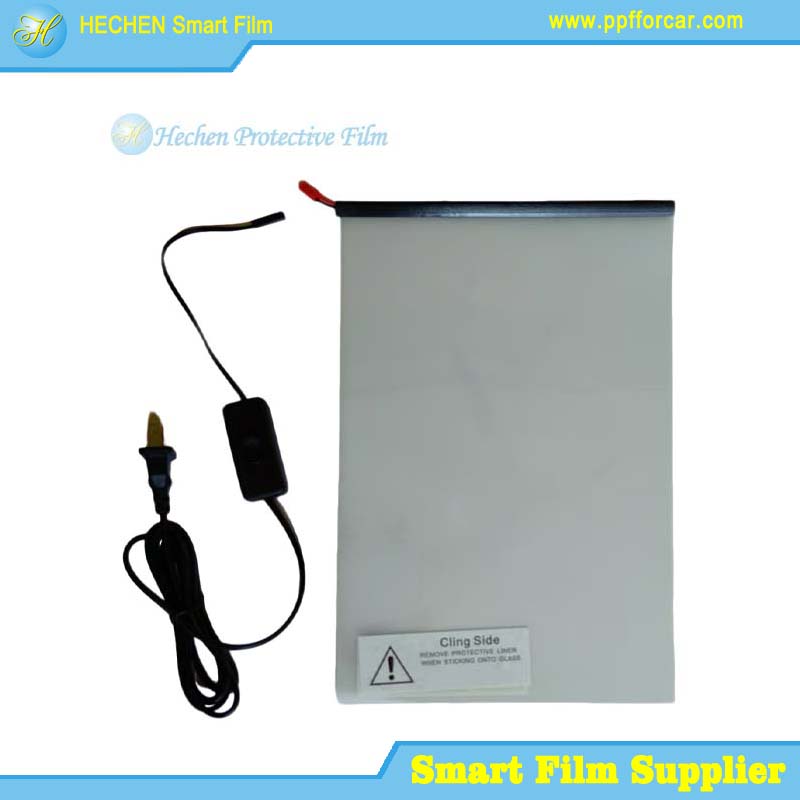
Busbars: These are the thin, metallic strips running along the edges (usually two opposite edges) of the film. They are the critical entry point for electricity. Examine them closely where the wires attach.
Corrosion: Look for green/white oxidation or blackening.
Physical Damage: Are they scratched, nicked, or peeling away from the film?
Loose Solder Joints: The point where the wire is soldered to the busbar can crack or detach.
Lead Wires: These are the wires that run from the busbars to the power supply. Trace them as far as you can.
Pinched or Cut Wires: Especially common during installation or subsequent construction work.
Loose Wire Nuts/Connectors: In junction boxes, ensure wire connectors are tight.
Step 3: Advanced Electrical Testing (For the Comfortable and Equipped)
Warning: This involves working with live voltage. If you are not confident, stop and hire an electrician or the original installer.
You will need a multimeter.
Test Output Voltage at the Power Supply: Set your multimeter to AC Voltage (V~) on a range higher than your film's rated voltage (e.g., 200V~). With the system powered ON, carefully place the multimeter probes on the output terminals of the power supply. You should read a steady voltage very close to the film's specification (e.g., 65V AC). No reading or a very low reading indicates a faulty power supply. A correct reading means power is leaving the box.
Test Voltage at the Busbars: This is the definitive test. Disconnect the lead wires from the busbars if possible. Power on the system and test the voltage at the ends of the lead wires. No voltage means a break in the wiring between the power supply and the window. If you have voltage at the wires, the problem is at the busbar connection or within the film itself.
Test Film Resistance: Power must be OFF and completely disconnected for this. Set the multimeter to resistance (Ohms, Ω). Place one probe on each busbar (on the film itself, not the wire). A working film will typically show a resistance reading—this could range from tens to hundreds of Ohms depending on the size and type of film. An "OL" (Over Limit) or infinite resistance reading indicates a broken circuit inside the film: a damaged busbar, a delamination, or a manufacturing defect. A reading of 0 or near 0 Ohms indicates a short circuit within the film.
Section 3: Interpreting Symptoms & Specific Failures
Film is Stuck Opaque/Frosted (Most Common): This is the "no power" state.
Likely Causes: Dead power supply, tripped circuit breaker, disconnected wiring, blown fuse in the transformer, or a broken busbar connection.
Film is Stuck Clear: Power is constantly applied.
Likely Causes: Stuck relay in a control system, failed "normally-on" power supply, or a shorted switch/wire that is bypassing the control mechanism.
Film is Partially Clear, Partially Opaque (Patchy):
Likely Causes: Uneven voltage distribution. This is almost always a busbar or connection issue at the edge showing the problem. One busbar may have a poor connection, failing to distribute voltage evenly across the film's width. Inspect the busbar and connections on the side that remains frosted.
Film Flickers or Has Moving Lines/Waves:
Likely Causes: Insufficient or unstable voltage. A failing/underpowered power supply, voltage drop from too-long or too-thin wires, or electrical interference. Can also be a sign of impending busbar failure.
Section 4: Solutions & Repairs
Based on your diagnosis:
Faulty Power Supply: Replace it with an identical specification unit. The voltage (V) and frequency (Hz) must match. The power (Watts or VA) must meet or exceed the total wattage of all connected film panels.
Damaged Busbar Connection:
For a loose solder joint: Carefully re-solder the wire to the busbar using a low-temperature solder iron and flux. Avoid excessive heat.
For a corroded/damaged busbar end: This is delicate. You can sometimes clean it with isopropyl alcohol and a cotton swab. If the conductive material is gone, a conductive silverepoxy pen can be used to repair a small section and re-establish the connection point for the wire.
Cut/Damaged Wire: Splice in a new section of wire using solder and heat-shrink tubing or a proper connector. Ensure the wire gauge is the same or larger.
Defective Film (Open or Short Circuit): If the film itself shows no continuity (OL) or a short (0Ω), and connections/power are verified, the film laminate has failed. Repair is not possible at this level. The panel must be replaced.
FAQ & Pro Tips
Can I use a DC power supply? Absolutely not. Smart tint window film requires AC voltage to keep the liquid crystals aligned. DC will damage it.
My film works but gets very hot. Some heat is normal, especially in large panels. Excessive heat suggests an under-sized (under-powered) power supply is working too hard, or there's a partial short.
Can I connect multiple windows to one power supply? Yes, but you must add up the total wattage of all films. The power supply's rated wattage should be 20-30% higher than this total to ensure longevity and prevent overload.
Who should I call for help? Contact your original installer first. If that's not possible, look for an electrician experienced with low-voltage systems or a specialty glass/window film company.
Conclusion
A non-working smart film is almost always an electrical puzzle with a logical solution. By moving step-by-step from the power source outward—checking the outlet, testing the transformer, inspecting every connection, and finally examining the delicate busbars—you can pinpoint the failure. While some repairs, like replacing a plug-in transformer, are DIY-friendly, others, like intricate busbar soldering or full film replacement, may require a professional's touch.
The key is not to be intimidated by the technology. Underneath its high-tech facade, your smart window is waiting for a simple, steady flow of electricity. Restore that flow, and you restore the magic of a window that transforms with your will.
For more about the smart tint window film not working? A comprehensive guide to troubleshooting issues, you can pay a visit to Hechen PDLC Smart Film Manufacturers for more info.